
Step 1: add your details
Start with the basics: name, role, company, phone, email and website.
The easiest setup is simple: enter your contact details, generate the QR, preview it, and place it on your business card or digital contact card.
Open Generator →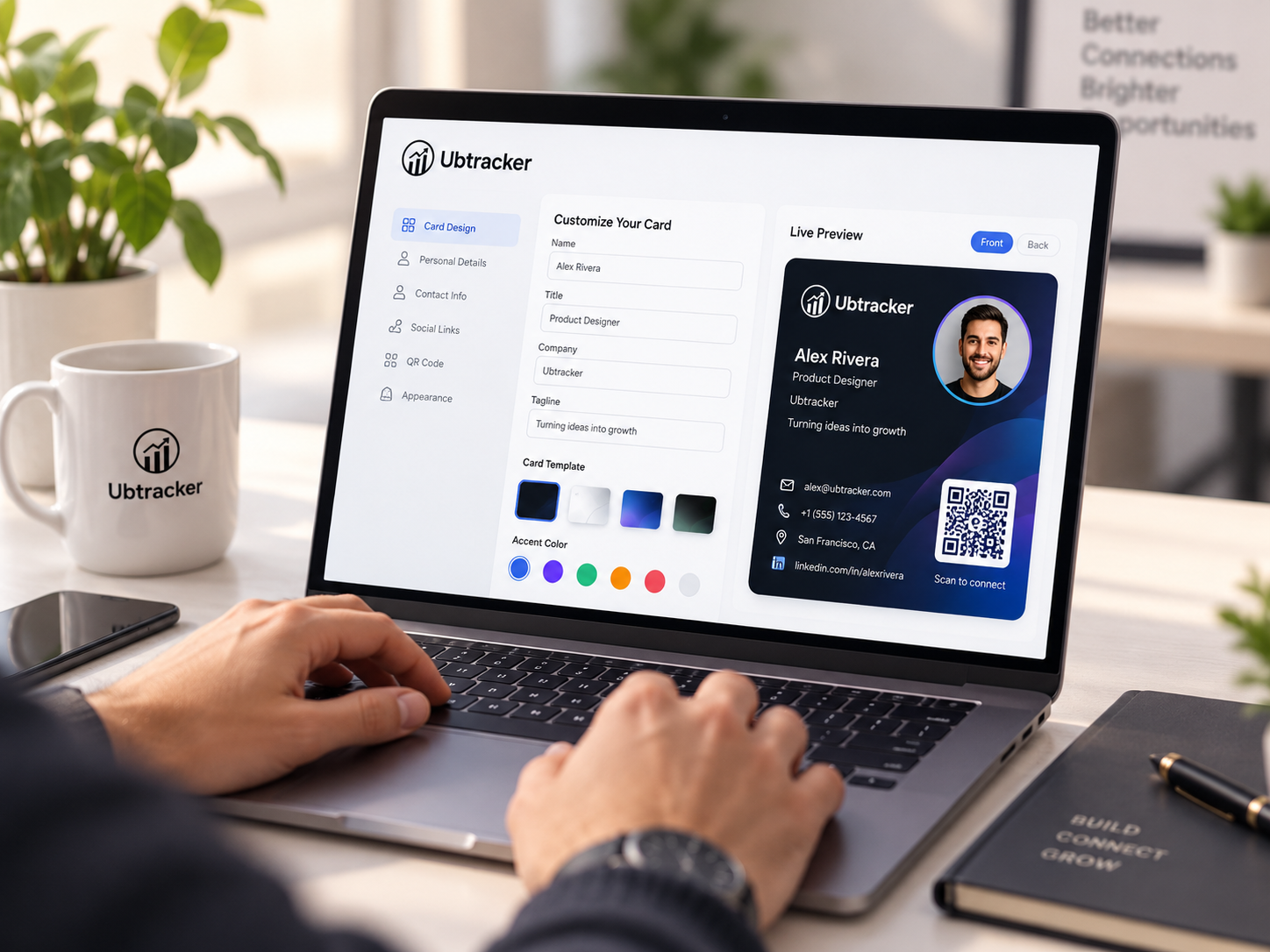
Start with the basics: name, role, company, phone, email and website.
Create the QR, test it with your phone, and confirm the contact opens correctly.
Use it on business cards, event materials, proposals, counters or team badges.
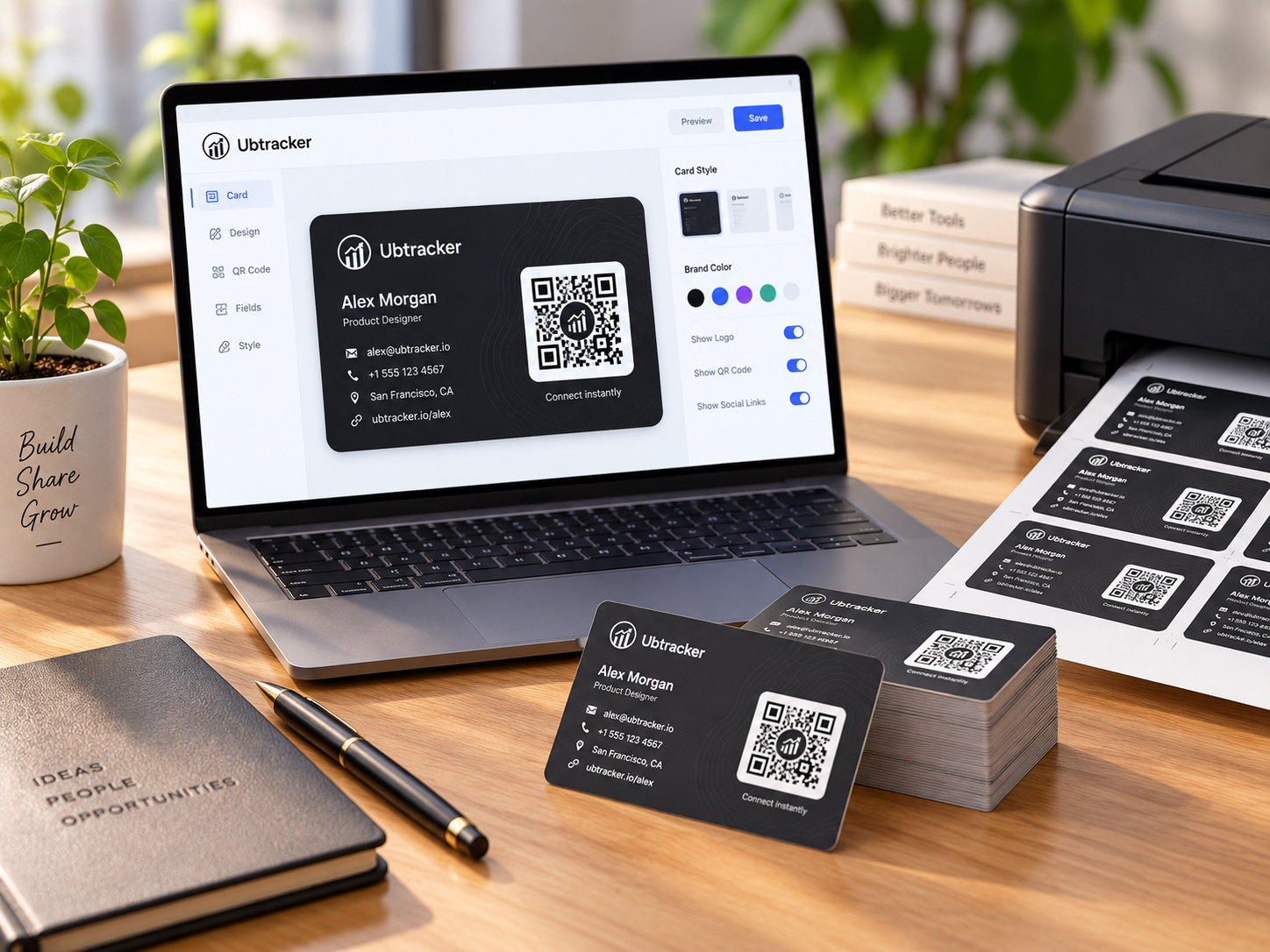
Scan with both iPhone and Android if possible, especially before large print runs.
Dark QR on a light background usually scans best in most real-world situations.
Give the code breathing room so printers, shadows and hands do not affect readability.