
Start with the final PDF
Upload the version people should actually open after scanning.
The basic flow is simple: upload the PDF, generate the QR, test it on mobile and then place it on print or signage.
Open Generator →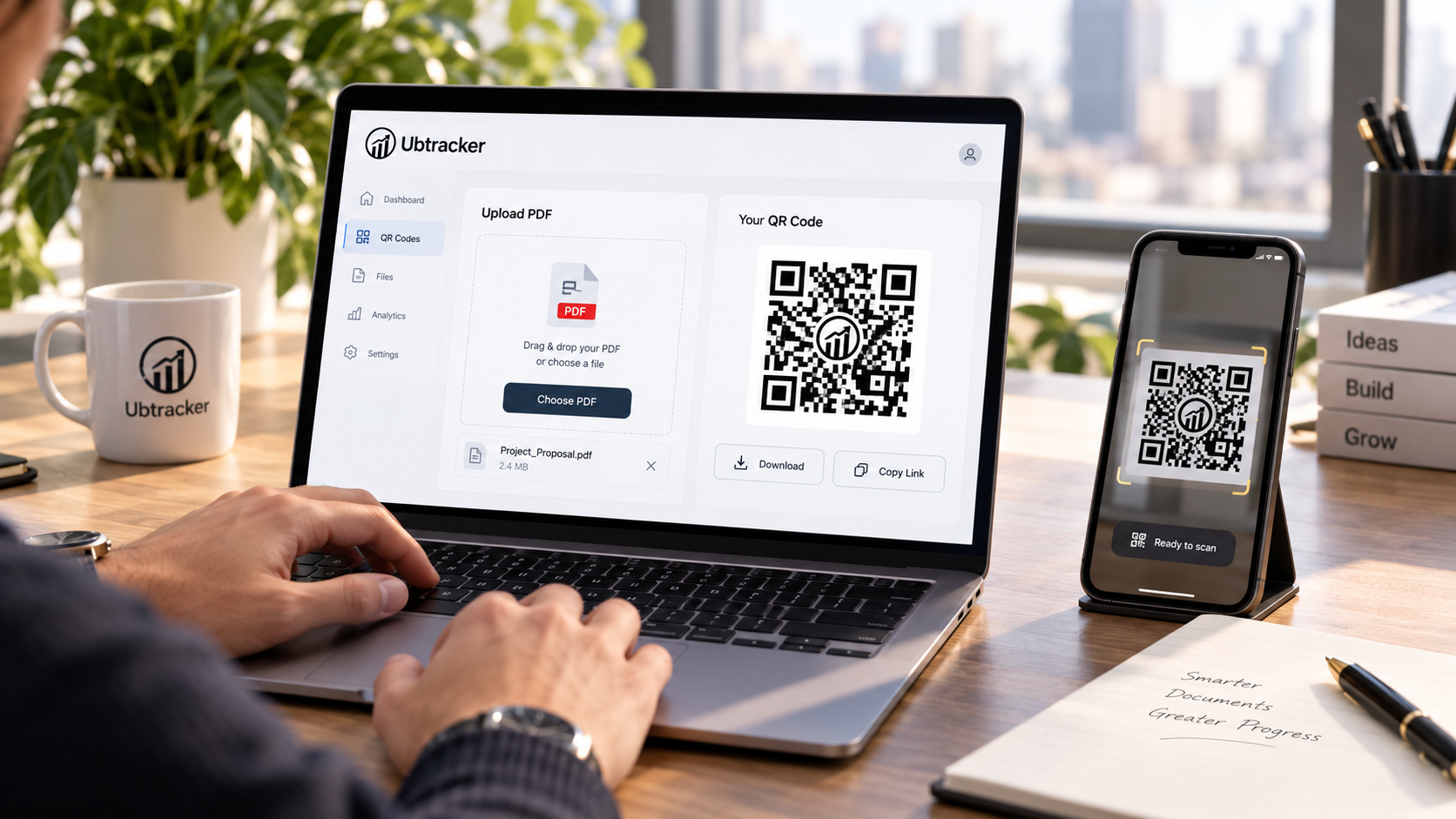
Upload the version people should actually open after scanning.
Scan the QR on your phone to confirm the document opens correctly.
Use it only where fast access to a file improves the experience.
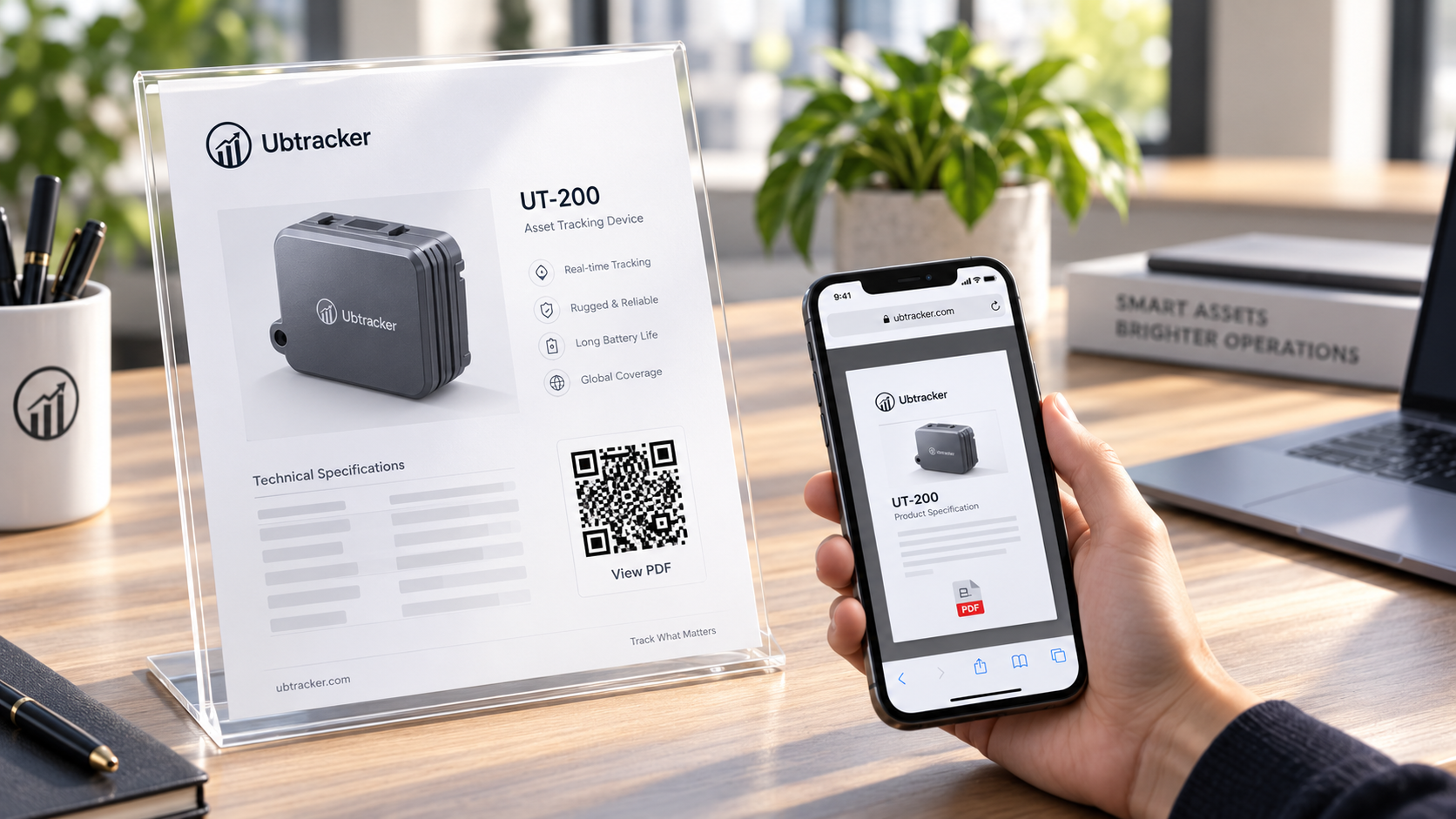
Tell people what they will get after scanning, such as brochure, menu or handbook.
Do not shrink the QR too much if it will appear on printed material.
A PDF QR works best when the file adds useful detail beyond the printed surface.