
Enter the network name exactly
The SSID should match the WiFi network name exactly, including spaces and capitalization.
Create a WiFi QR code by entering the SSID, password and security type, then test the code on a phone before you print or display it.
Open WiFi QR Generator →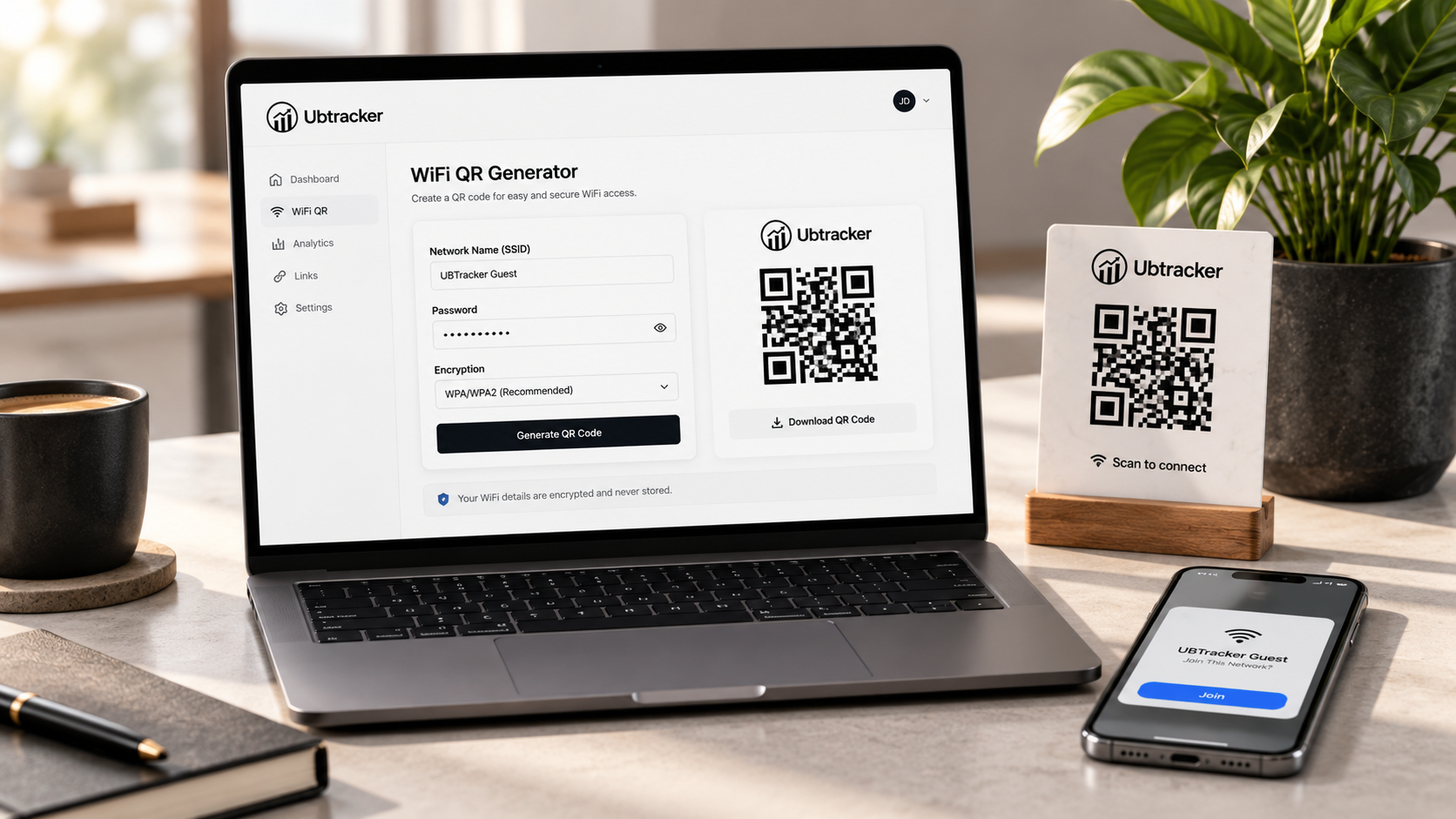
The SSID should match the WiFi network name exactly, including spaces and capitalization.
Most current networks use WPA or WPA2. Select the option that matches the network you want guests to join.
Scan the finished QR with a phone and confirm it offers the correct network before placing it in a guest area.