
Give the QR enough space
Leave white space around the code so cameras can recognize it quickly from different angles.
Create a WiFi QR code, download it and place it on a clean printed sign for desks, counters, rooms, rentals or reception areas.
Open WiFi QR Generator →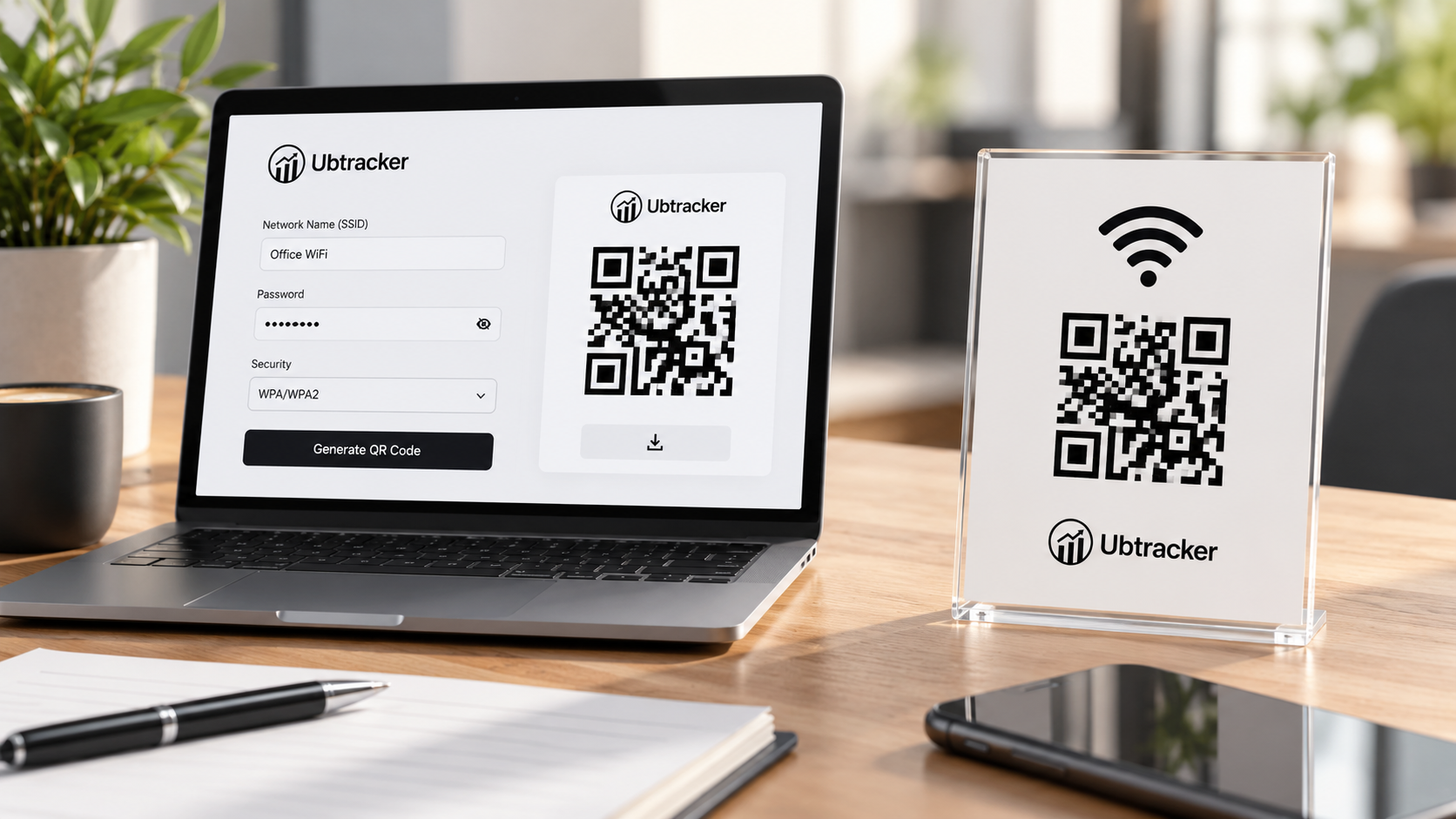
Leave white space around the code so cameras can recognize it quickly from different angles.
The farther away people will scan, the larger the QR should be. Test the printed version before final placement.
Reception desks, bedside tables, conference rooms and counters work better than signs hidden away from the guest flow.