
1. Tag the link
Add utm_source, utm_medium and utm_campaign to the destination URL. Use names that are easy to recognize later.
Add UTM parameters to your links, then use GA4 to compare campaign traffic.
Open UTM Builder →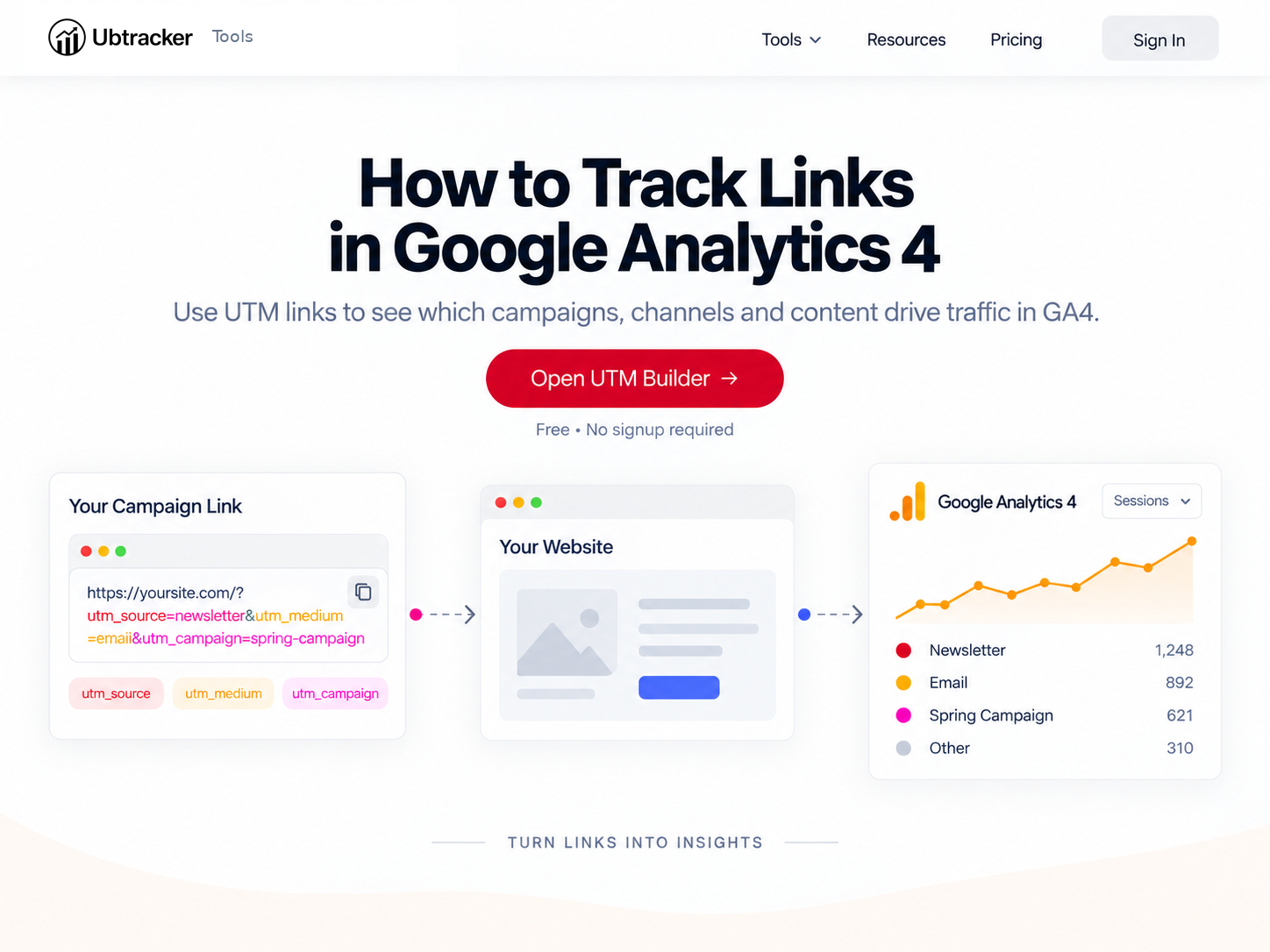
Add utm_source, utm_medium and utm_campaign to the destination URL. Use names that are easy to recognize later.
Use the tagged link in your email, social post, ad or QR code. The visitor still reaches the same page.
In Google Analytics 4, use acquisition reports to compare campaign and source performance. Consistent naming makes the report much easier to read.