
Use the full international number
Include the country code so the WhatsApp link points to the correct account.
Create a WhatsApp QR code that opens a chat with your number, then test it on your phone before you print or publish it.
Open WhatsApp QR Generator →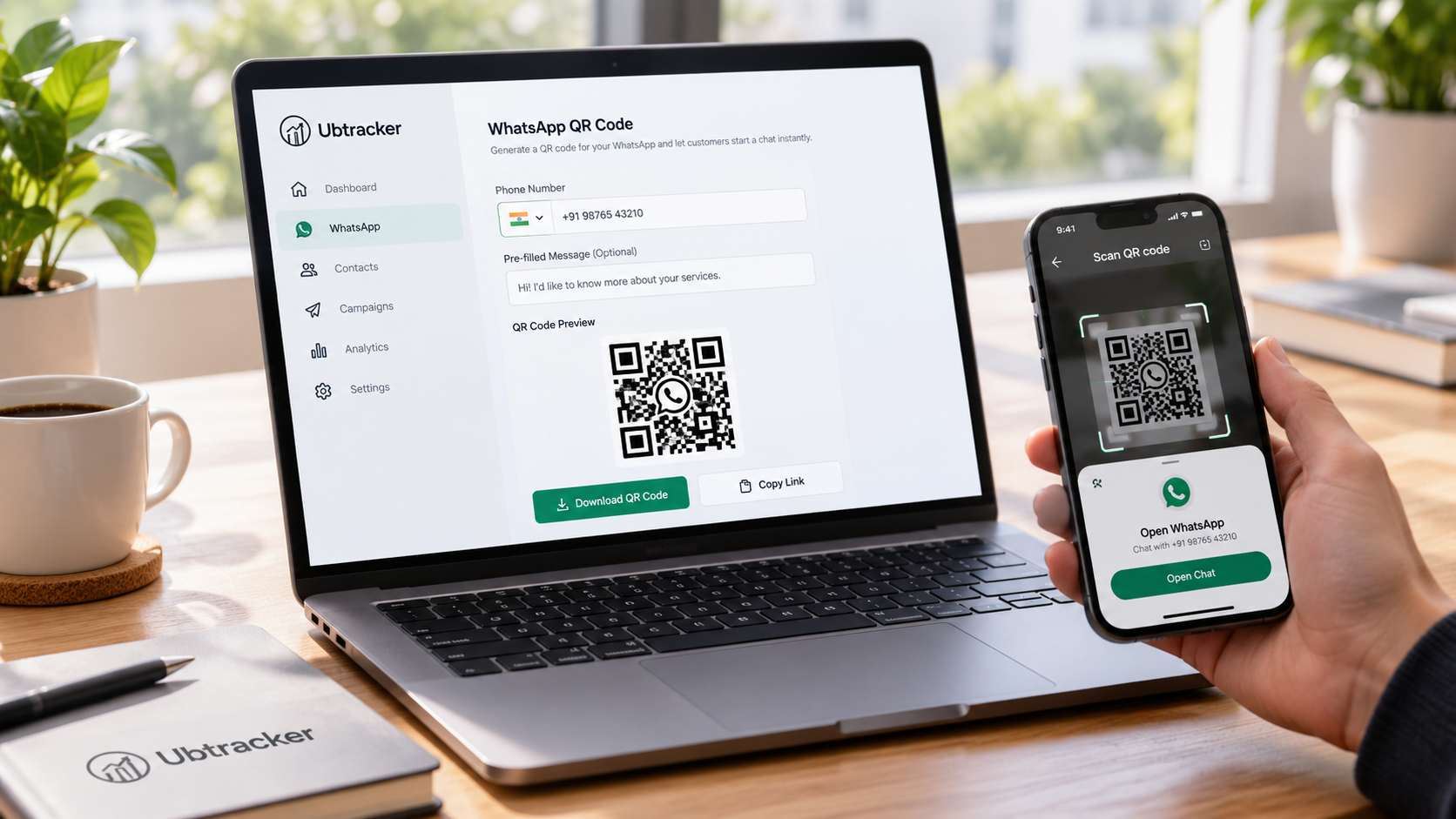
Include the country code so the WhatsApp link points to the correct account.
A short pre-filled message can tell you what the customer needs before the conversation begins.
Scan the finished QR and confirm the chat opens to the correct number and message.