
Use it where questions happen
Place the QR near products, reception, checkout or printed information where a customer may need help.
Use a WhatsApp QR code across storefronts, printed materials, packaging and customer touchpoints to make contacting your business easier.
Open WhatsApp QR Generator →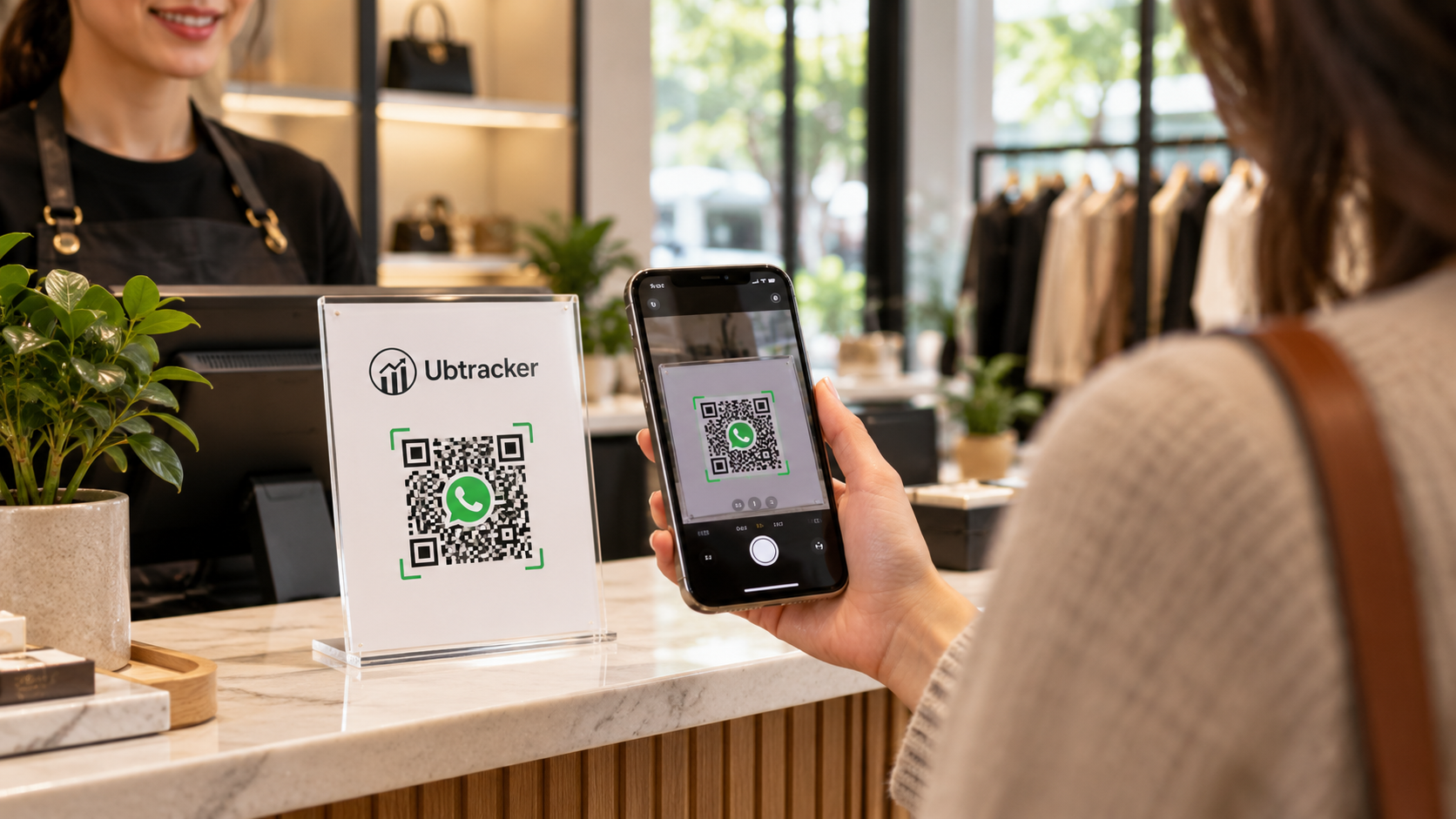
Place the QR near products, reception, checkout or printed information where a customer may need help.
A printed QR turns a physical customer touchpoint into a WhatsApp conversation.
Use the same number and a clear message prompt across your customer-facing materials.