
Start with context
The customer can arrive with a message such as “I need a quote” or “I have a support question.”
Create a WhatsApp QR code that opens a chat with a message already prepared for sales, support, quotes or general inquiries.
Open WhatsApp QR Generator →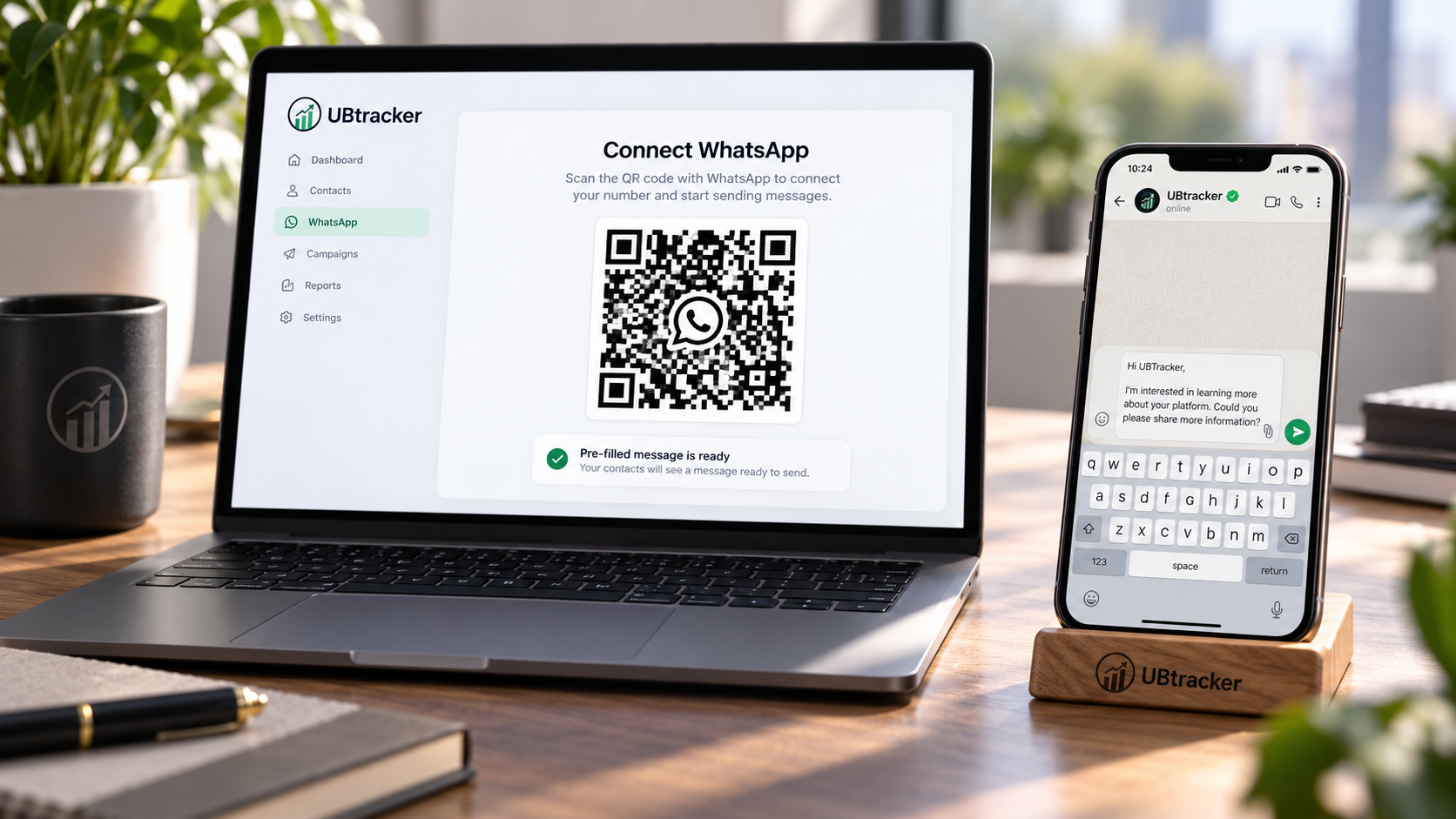
The customer can arrive with a message such as “I need a quote” or “I have a support question.”
A prepared prompt helps your team understand why the customer is contacting you.
Use a simple opening message. Customers can edit the text before sending it.