
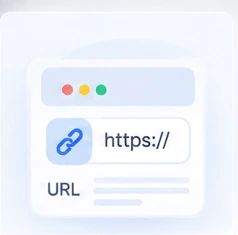
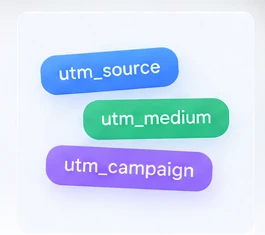

What are UTM parameters?
They are tags added to a URL so analytics platforms can identify campaign traffic.
Build trackable campaign URLs in seconds.
Add the basics. Use more options only when you need them.
Copy it and use it in ads, email, social posts or QR codes.


Pick a real use case and see exactly how to set it up.
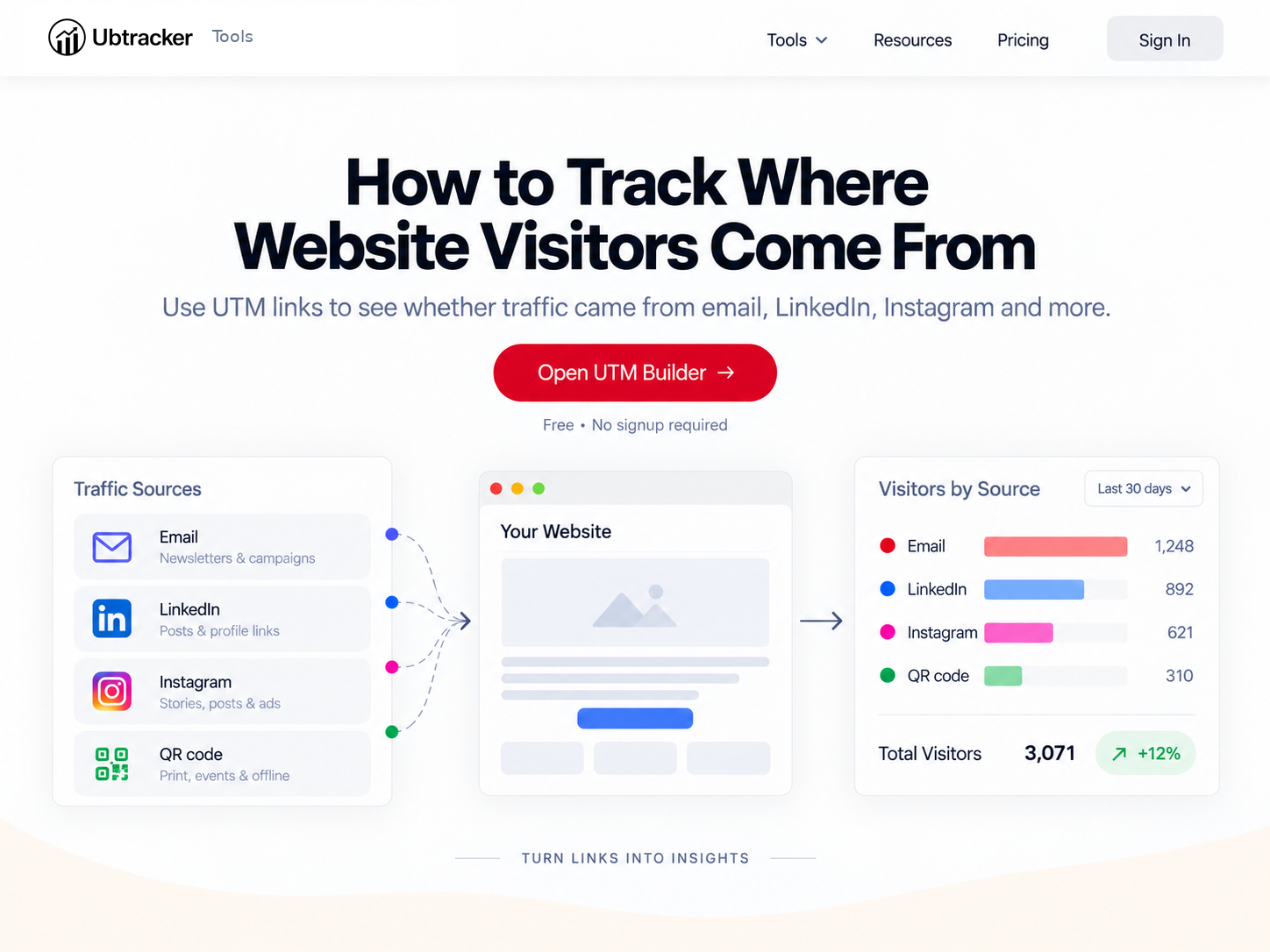
Email, LinkedIn, Instagram and more.
View guide →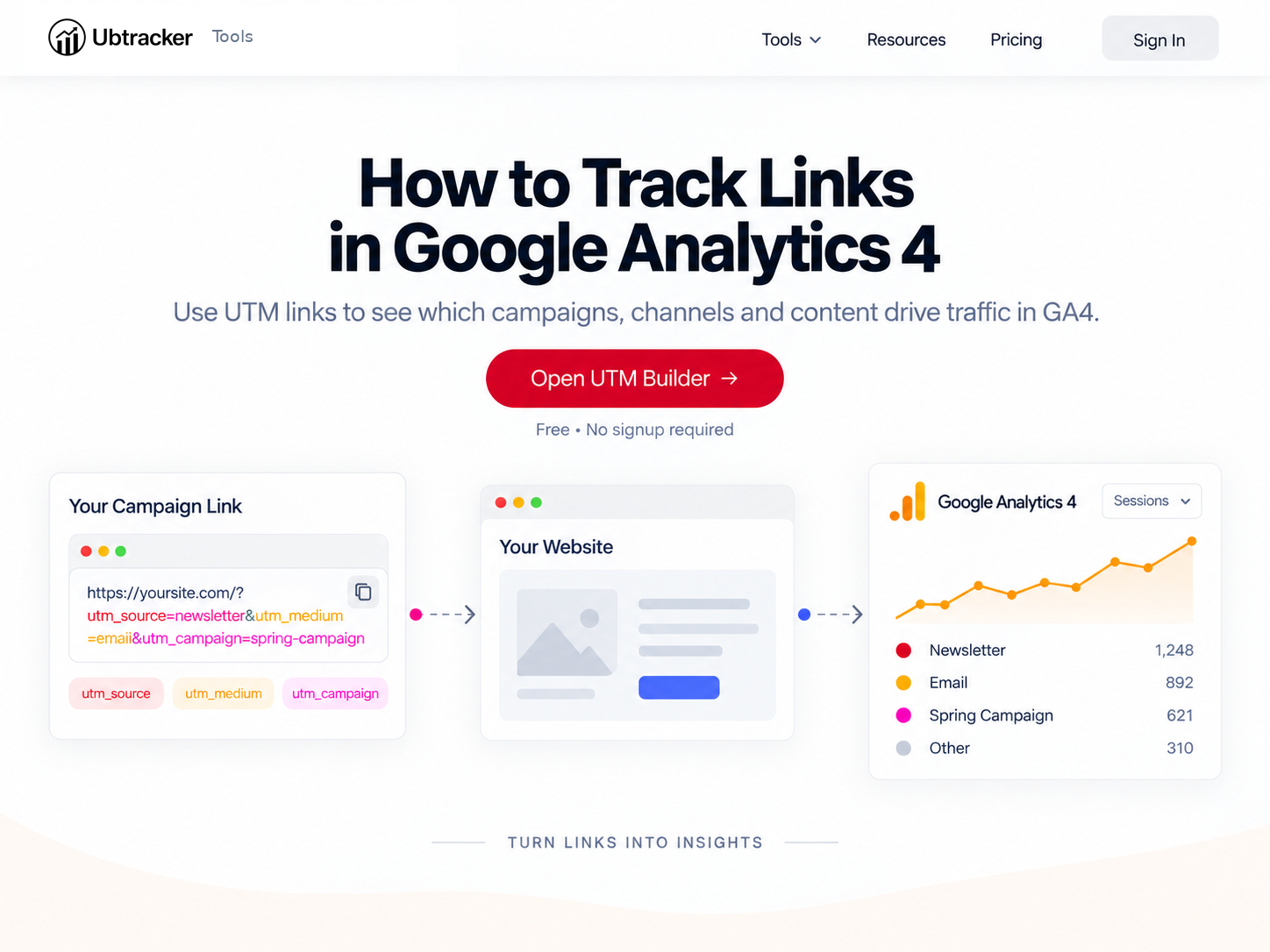
Find campaigns and compare traffic.
View guide →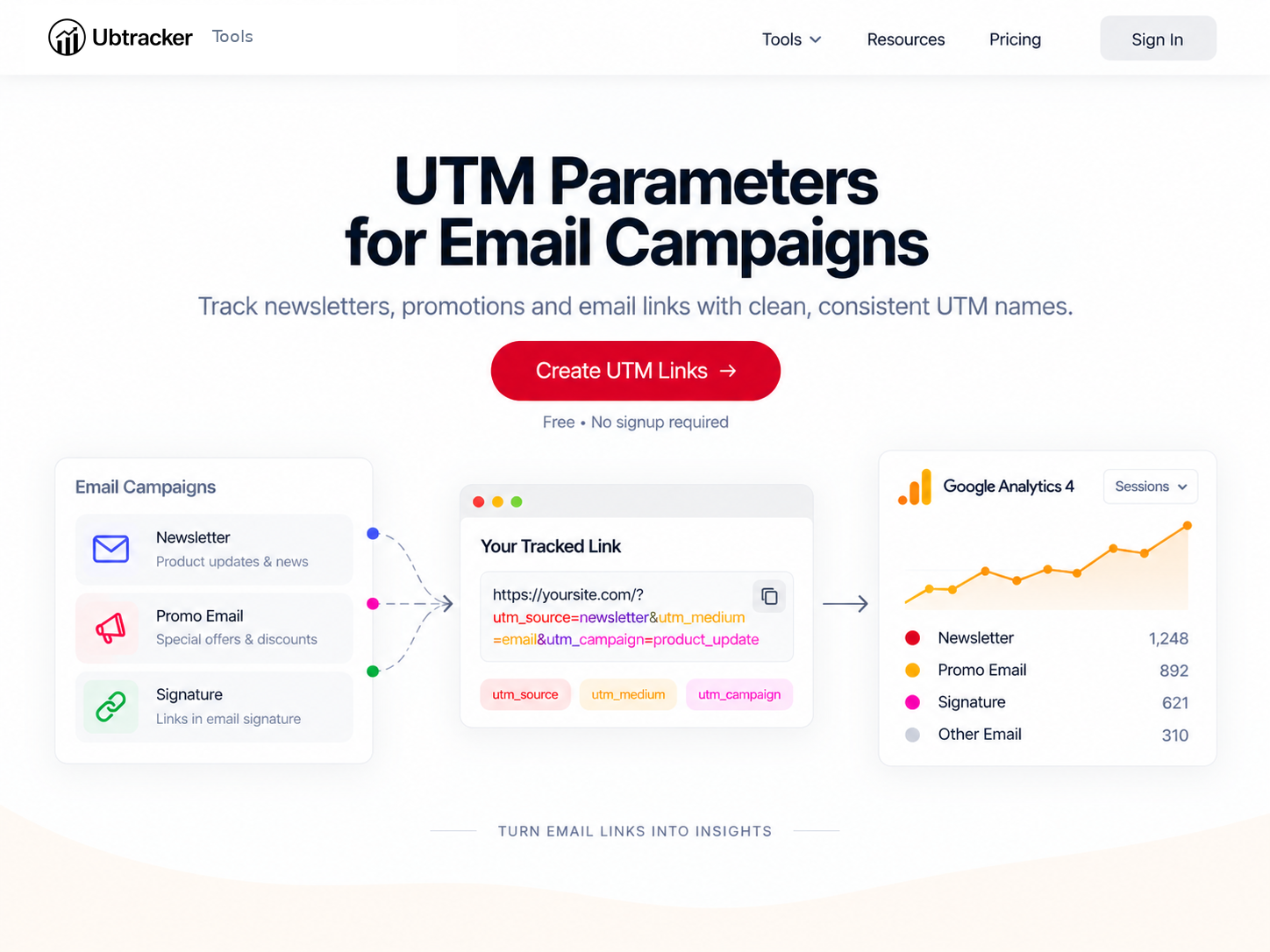
Measure which emails drive visits.
View guide →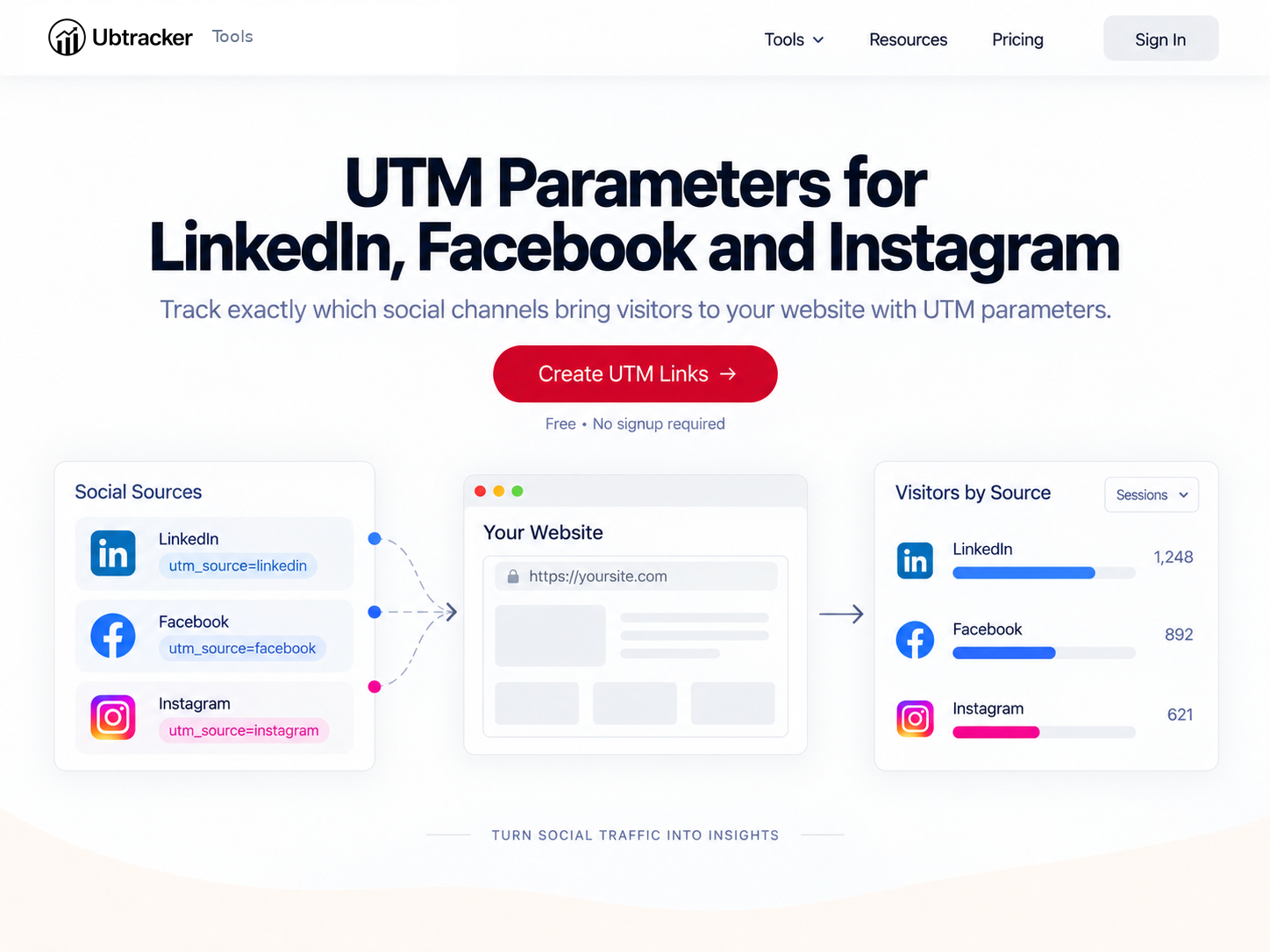
Keep source naming consistent.
View guide →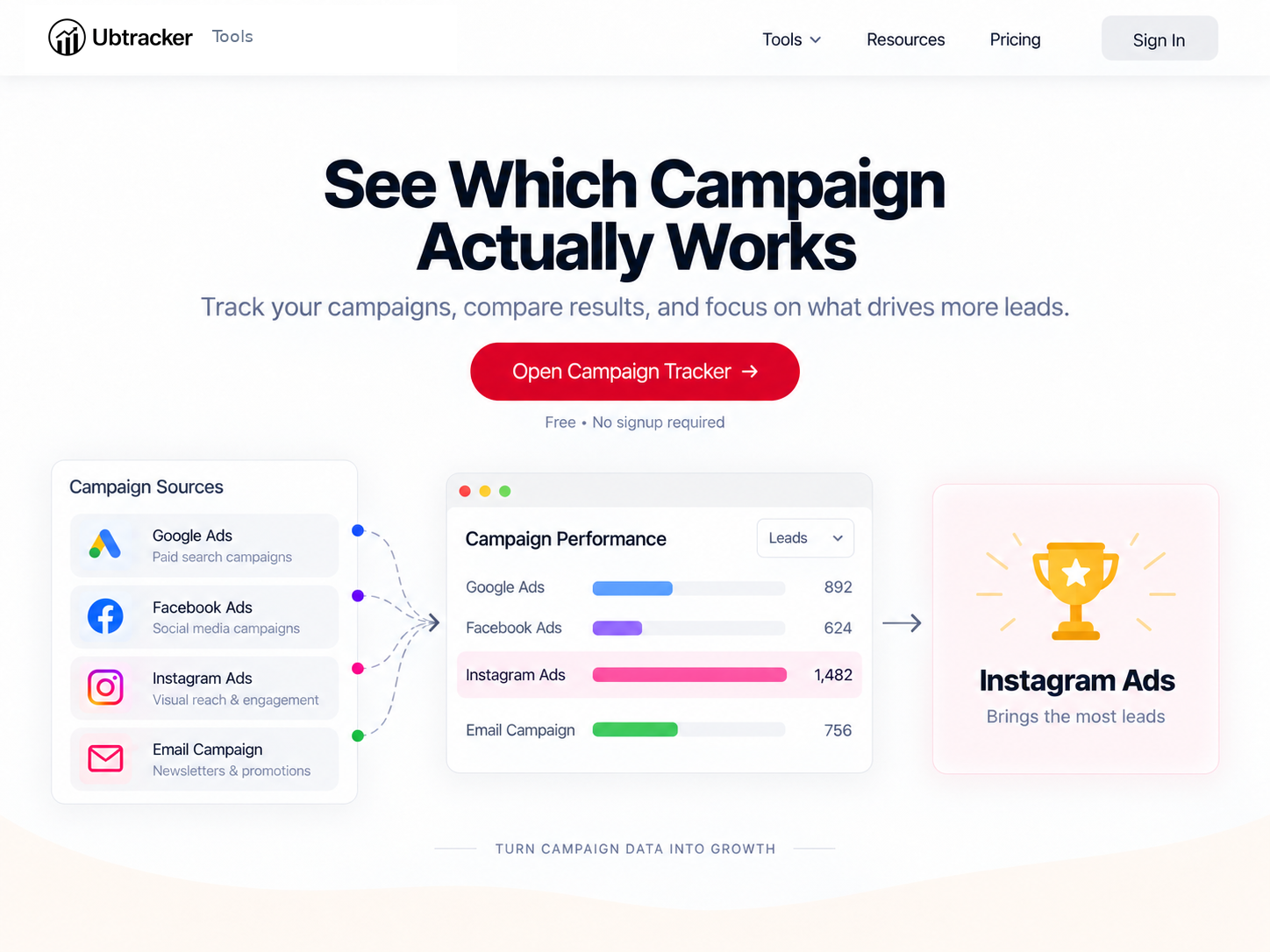
Compare traffic and performance.
View guide →Four simple steps.

UTM parameters tell analytics tools where campaign visits came from. Build the link here, then use it in the channels you already work with.
They are tags added to a URL so analytics platforms can identify campaign traffic.
Source, medium and campaign are the core fields. Term and content are optional.
Yes. GA4 can read standard UTM parameters from campaign URLs.
No. It only adds tracking parameters to the URL you provide.