
What does this QR code do?
It creates a vCard-style contact QR so a phone can open and save your contact details.
Create a scannable QR code for your business card with contact information that can be saved to a phone. Free, no sign-up required.
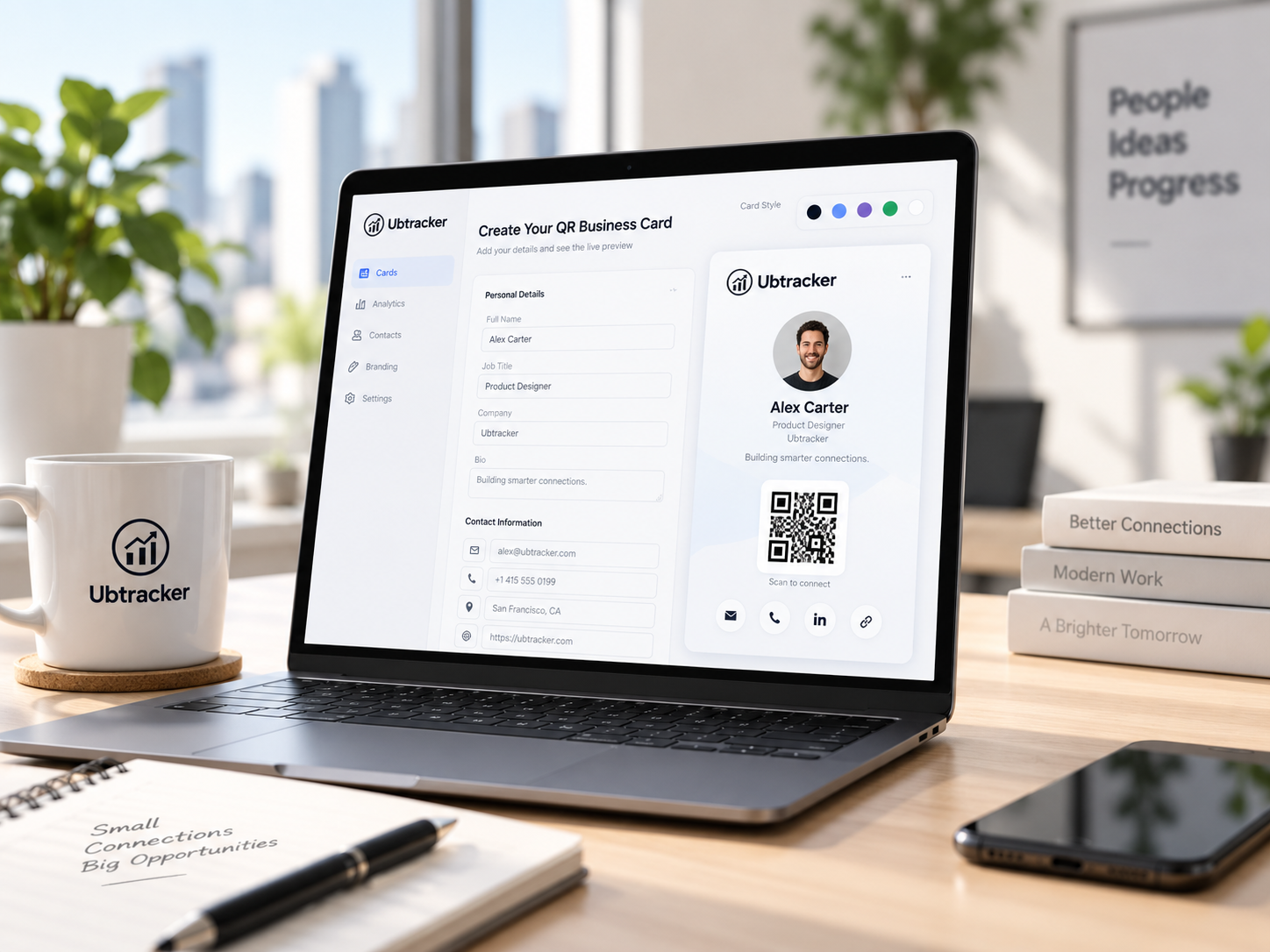
Enter your details below. Your result appears instantly.
Generate your contact QR, test it on your phone, then download it for print or digital use.
Pick a real scenario and see the cleanest way to use it.
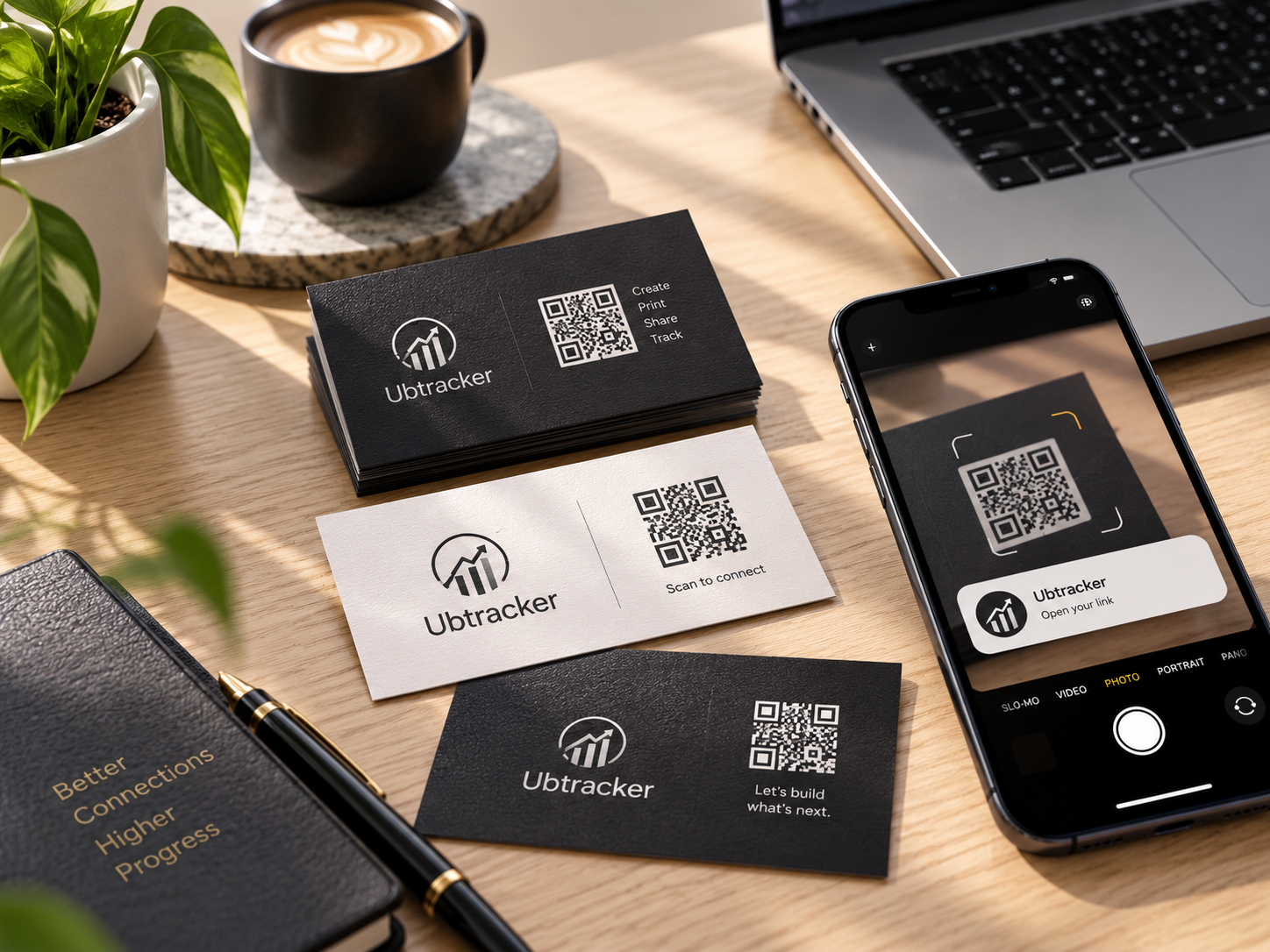
See what the code stores and why it is useful.
View guide →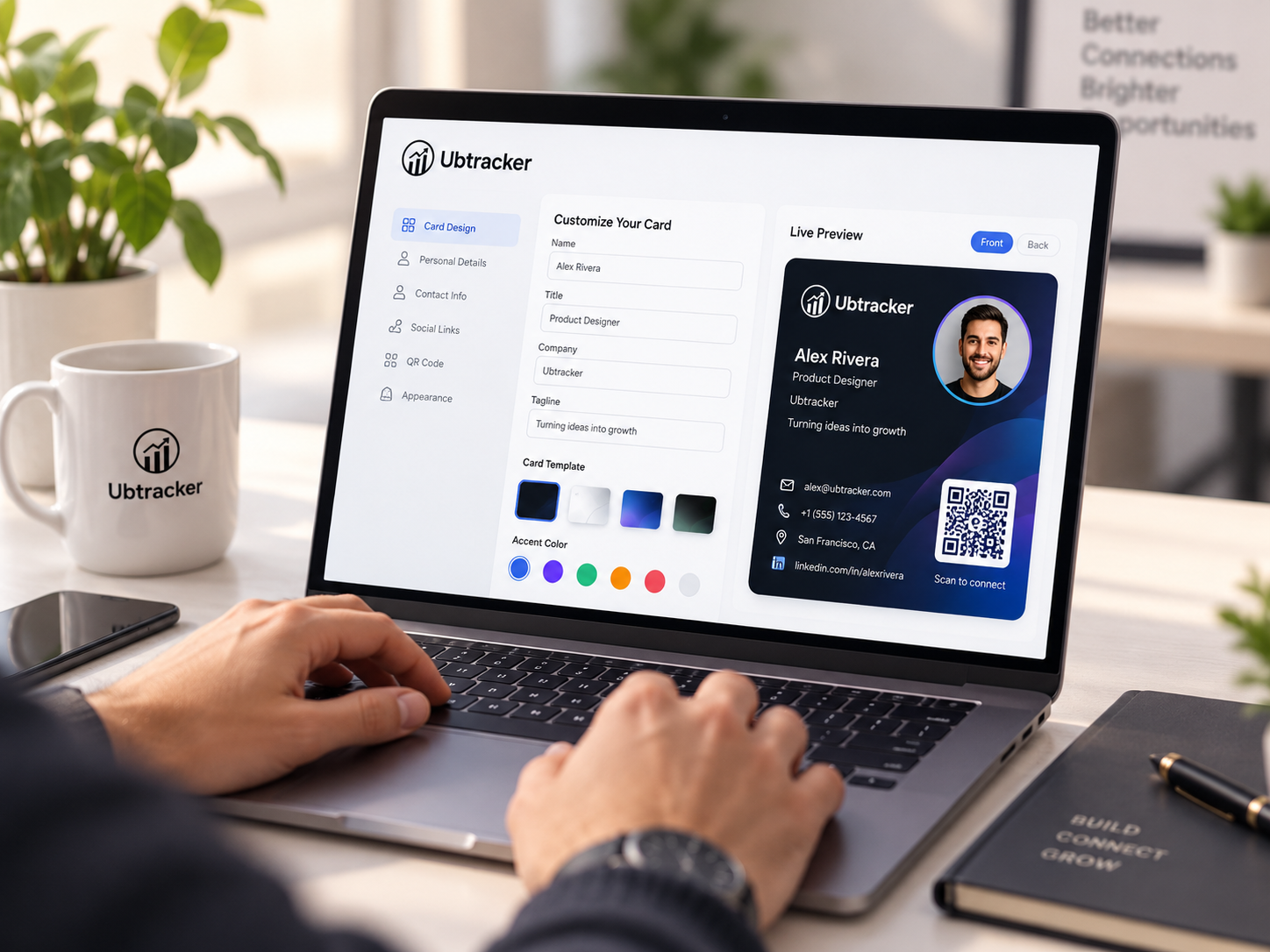
Build, preview, test and place it correctly.
View guide →Use vCard data for fast phone contact saving.
View guide →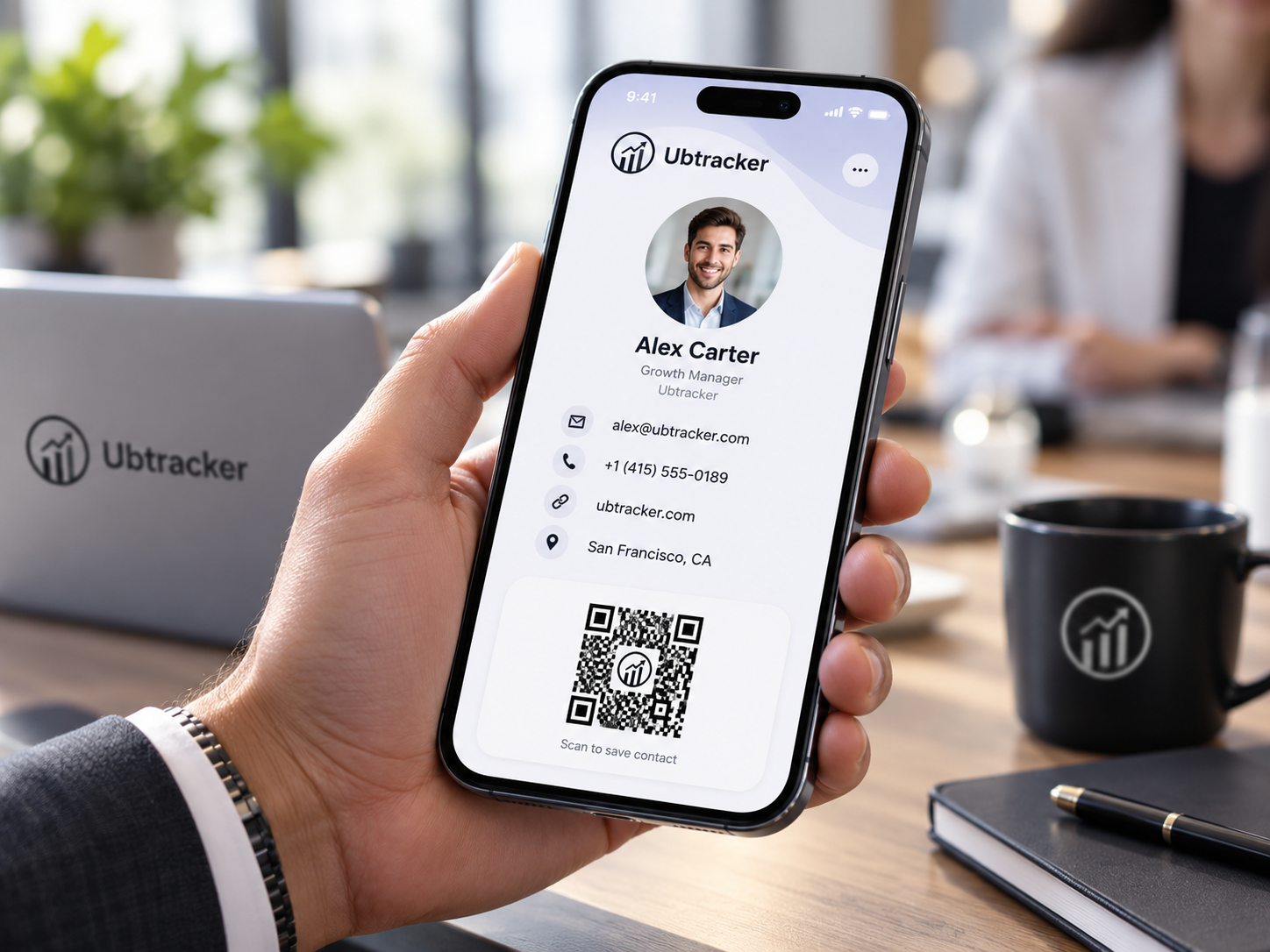
Use a digital card in meetings and presentations.
View guide →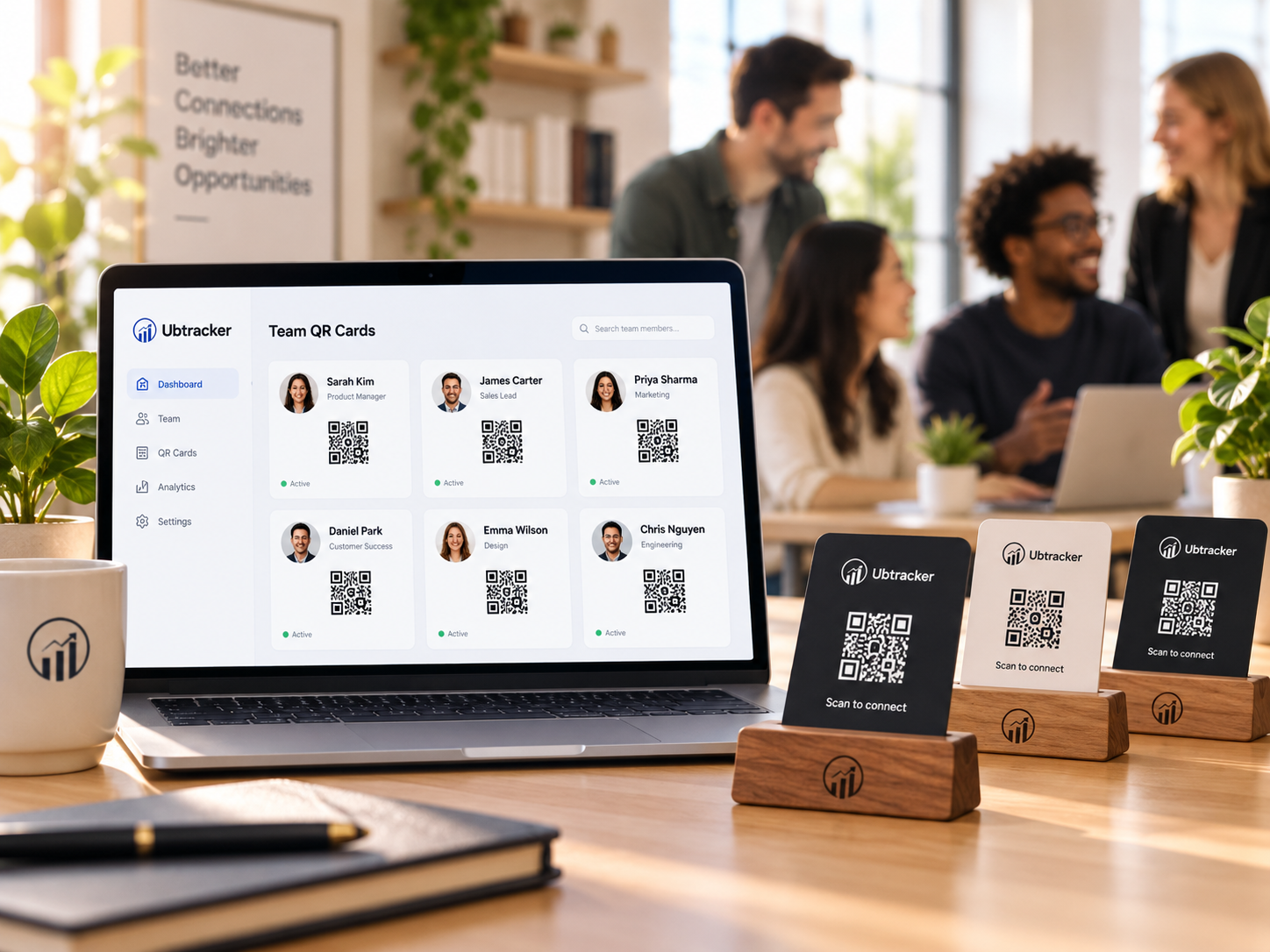
Reception, booths, events and shared brand experiences.
View guide →The fastest path from your details to a useful QR business card.
Name, role, company, phone, email and website.
Open guide →Create a contact code phones can read quickly.
Open guide →Scan it on mobile before you share or print.
Open guide →Cards, desks, booths, meetings and presentations.
Open guide →It creates a vCard-style contact QR so a phone can open and save your contact details.
Yes. Download the QR and place it on a printed card, stand, flyer or signage.
Name, company, job title, phone, email and website are usually enough.
No. The basic generator works instantly without sign-up.